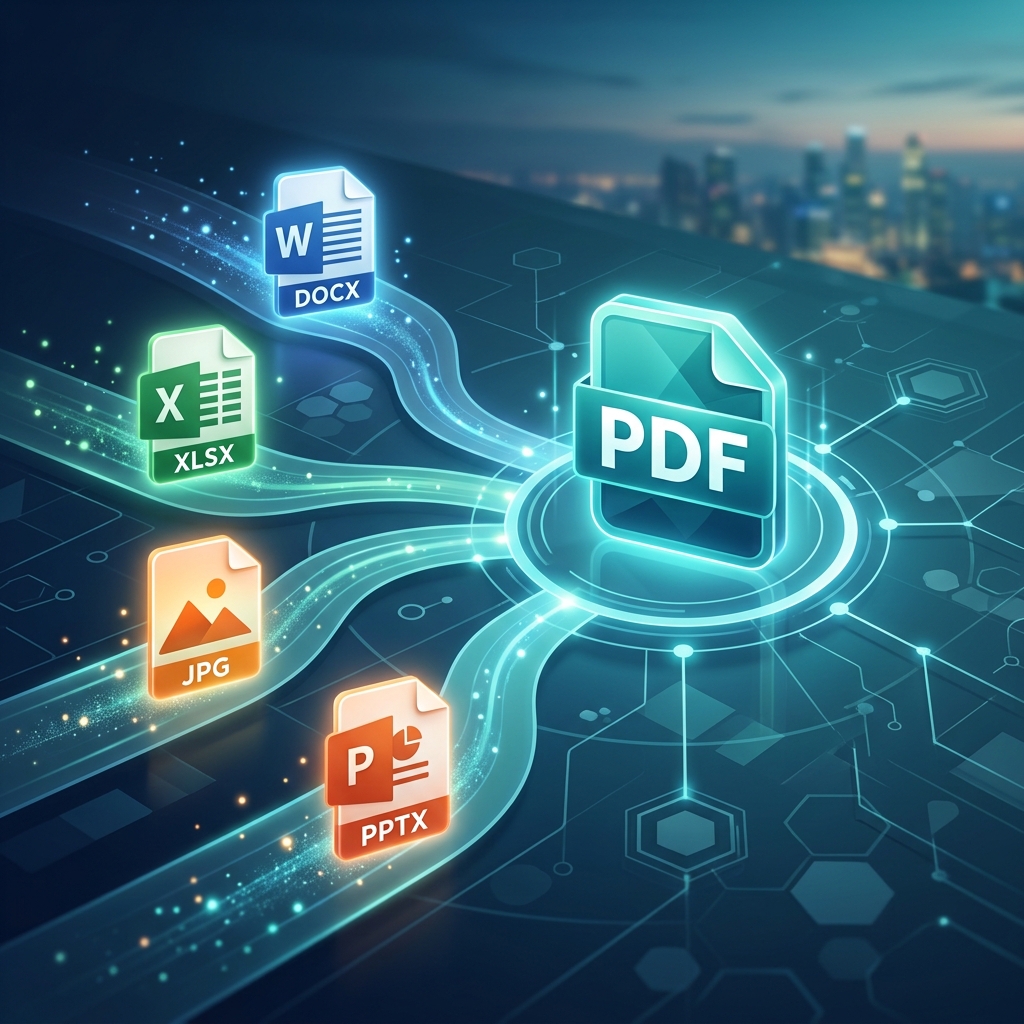
File sharing is the lifeblood of modern collaboration. Whether you're sending a resume to a recruiter, a contract to a client, or a report to your team, the way you share your information matters. In the digital world, the PDF (Portable Document Format) is the universal language for sharing, but getting your content into that format—or back out of it—can sometimes be a struggle.
Choosing the right conversion tool can mean the difference between a pristine-looking document and a scrambled mess of fonts and broken tables. With hundreds of tools available, how do you decide which one is right for your workflow? In this guide, we’ve narrowed it down to the top 5 PDF conversion tools that excel in speed, quality, and ease of use.
1. PDFlyst: The Best All-in-One Online Solution
We might be a little biased, but we built PDFlyst specifically to address the frustrations users face with other conversion tools. Many platforms are cluttered with ads, require aggressive subscriptions, or degrade the quality of your images during conversion.
PDFlyst offers a suite of high-speed converters for Word to PDF, JPG to PDF, and more, all within a clean, intuitive interface. It’s entirely browser-based, meaning you don’t need to install any heavy software, and it prioritizes data security by using advanced encryption and automatically deleting your files after processing.
It's the perfect balance of simplicity and power. It's free to use, requires no login for basic tasks, and produces professional-grade results every time.
2. Adobe Acrobat: The Industry Standard
As the creators of the PDF format, Adobe Acrobat remains the gold standard for heavy-duty document management. If you are a large enterprise or a legal professional who needs every advanced feature imaginable—from complex redaction to deep accessibility compliance—Acrobat is hard to beat.
The main drawback? Cost and complexity. Adobe operates on a premium subscription model that can be expensive for casual users. Furthermore, the desktop application can be a bit resource-heavy for older computers. However, for sheer power and reliability, it still leads the pack for professional suites.
3. SmallPDF: The User Experience Specialist
SmallPDF was one of the first tools to make PDF management "beautiful." They revolutionized the space by focusing on a simple, tile-based interface that even the most non-tech-savvy users can navigate. Their conversion engine is reliable and focuses on making the process as "frictionless" as possible.
While SmallPDF is excellent, their free tier has become increasingly restrictive over the years, often limiting users to just a few tasks per day. It’s a great option for occasional use, but regular users will likely find themselves hitting the paywall quickly.
4. ILovePDF: The Classic Utility
ILovePDF has been a staple in the industry for years. It’s known for being straightforward and offering a massive range of tools. Whether you need to merge, split, or convert, ILovePDF likely has a dedicated button for it. They also offer a desktop version and a mobile app, providing good cross-platform coverage.
The interface can feel a little dated compared to newer platforms like PDFlyst, and the number of ads on the free version can be a bit overwhelming. However, in terms of functionality, it remains one of the most comprehensive "Swiss Army Knives" for PDFs.
5. Soda PDF: Great for Complex Workflows
Soda PDF is unique because it offers a full-featured "virtual" desktop experience right in your browser. It looks and feels like a traditional desktop app, complete with a ribbon-style toolbar. This makes it a great transition for users who are used to Microsoft Office but want the convenience of the cloud.
Soda PDF excels at batch processing and more complex OCR tasks. However, its interface can feel a bit cluttered for someone who just wants a quick conversion. Like Adobe, many of its best features are locked behind a subscription, but it remains a solid choice for those who need a traditional "office" feel online.
Summary Comparison Table
| Tool | Best for... | Key Strength | Pricing Model |
|---|---|---|---|
| PDFlyst | Free online use | Clean UI & Speed | Free / No-login |
| Adobe Acrobat | Enterprises | Advanced Compliance | Paid Subscription |
| SmallPDF | Beginners | User Experience | Freemium |
| ILovePDF | Utility tasks | Huge Feature Set | Freemium |
| Soda PDF | Office Workflows | Cloud Desktop UI | Paid / Free trial |
What to Look for in a Conversion Tool
Before you commit to a platform, here are three critical factors to consider:
- Format Preservation: Does the tool maintain the original layout of your Word or Excel file? Look for tools that handle complex tables and high-res images well.
- Processing Speed: If you're converting a 100-page document, you don't want to wait five minutes. Tools like PDFlyst are built for near-instant results.
- Security Protocols: Always ensure the site uses HTTPS and has a clear policy on file deletion. Your data is private, and your tools should treat it as such.
Frequently Asked Questions
- What is the best free PDF converter?
For speed and ease of use without a subscription, PDFlyst is a top choice. It offers core conversion features for free directly in your browser. - Is it safe to convert PDFs online?
Yes, provided you use reputable tools that use SSL encryption and automatically delete your files after processing. Tools like PDFlyst prioritize user privacy and data security. - Can I convert multiple files at once?
Most of the top tools, including PDFlyst, support batch processing, allowing you to upload and convert several documents simultaneously to save time.
Conclusion
Sharing files shouldn’t be a headache. By choosing the right PDF conversion tool, you can ensure that your work looks professional, stays secure, and is accessible to everyone you share it with. Whether you need the absolute power of Adobe or the clean, fast efficiency of PDFlyst, there is a perfect tool for every need.
Ready to try the fastest converter on the web? Head over to PDFlyst's Online PDF Tools and experience the difference today!