In the digital age, "can you sign this and send it back?" usually results in one of two paths: a quick, seamless experience or a frustrating hunt for a printer and scanner. Digital signatures are now the standard for everything from rental agreements to million-dollar contracts.
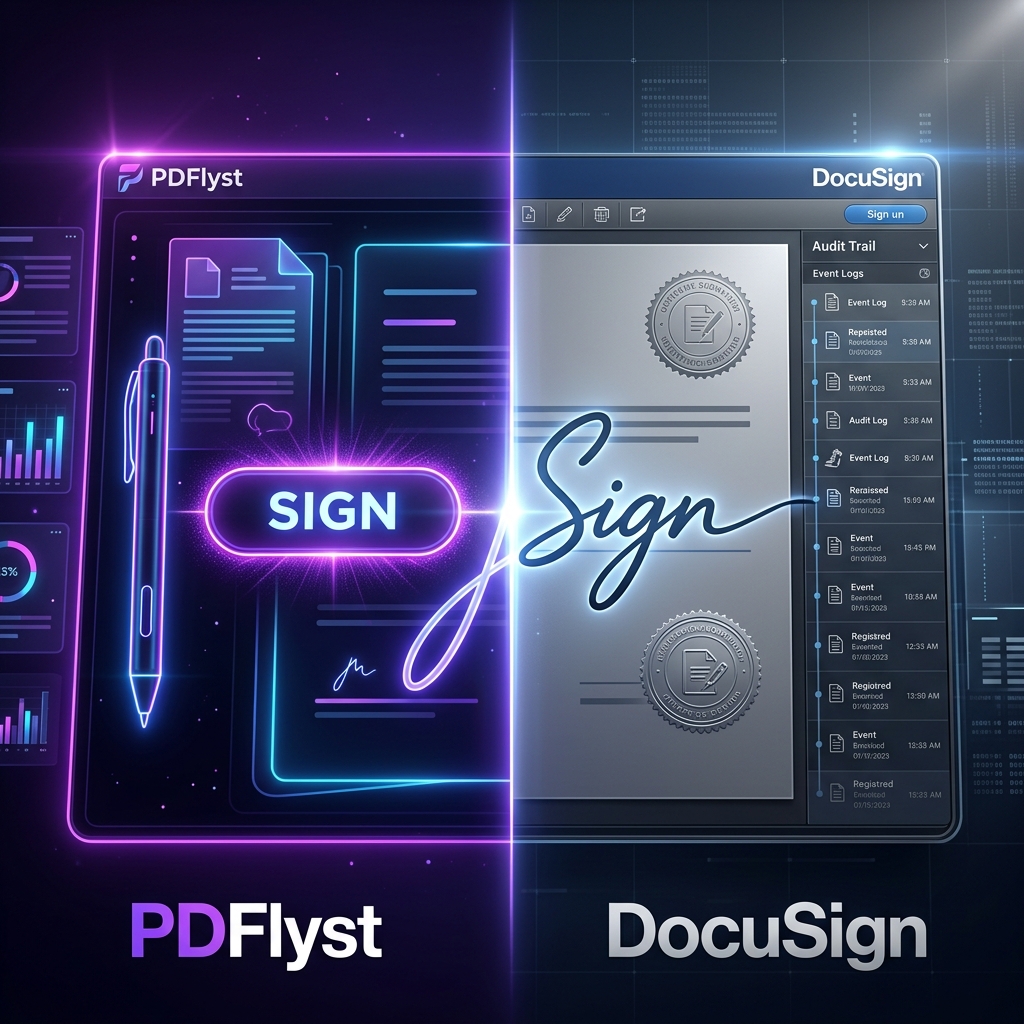
When you think of e-signatures, the giant DocuSign probably comes to mind. But as the market matures, agile alternatives like PDFlyst are gaining massive traction. The question isn't just "which is better?", but "which is better for you?" Today, we're pitting the enterprise heavyweight against the agile specialist to see which one deserves a spot in your browser bookmarks.
The Profiles: Who are they?
DocuSign: The Enterprise Powerhouse
DocuSign is the "Kleenex" of the e-signature world—it's practically synonymous with the service. Launched in 2003, it has built a massive ecosystem designed for Fortune 500 companies. It excels in complex workflows, deep CRM integrations (like Salesforce), and legally complex multi-signature environments.
PDFlyst: The Agile Specialist
PDFlyst is the new wave of document management. It was built for individuals, freelancers, and small-to-medium businesses who find enterprise software bloated and overpriced. It's browser-native, requires no account to start, and focuses on getting the document signed and sent in under 60 seconds.
1. Ease of Use: Speed vs. System
User experience is often the deciding factor in digital tools. Let's look at the "Signing Flow":
- PDFlyst: You arrive on the Sign PDF tool, upload your file, draw your signature, and download. There are no "Welcome" tours to click through or subscription pop-ups to navigate. It's direct and functional.
- DocuSign: You typically need to create an account, set up your "Envelope," add recipients, and then place fields. While powerful, it's a multi-step process that can take 5-10 minutes just to set up a basic document.
Winner for Speed: PDFlyst. Winner for Process: DocuSign.
2. Pricing: The Budget Battle
This is where the two tools diverge the most. DocuSign is notoriously expensive, with monthly plans starting around $10 for very limited use and scaling rapidly into the hundreds for teams.
PDFlyst, on the other hand, offers its core signing features for free or at a fraction of the cost for heavy users. For a freelancer who signs 5-10 contracts a month, PDFlyst can save hundreds of dollars a year compared to a DocuSign Pro subscription.
| Feature | PDFlyst | DocuSign |
|---|---|---|
| Starting Price | Free | ~$10/mo |
| Mobile Signing | Yes (Native Browser) | Yes (App/Web) |
| CRM Integration | No | Excellent (API focus) |
| No-Account Use | Yes | No (Sender must have) |
| Legal Validity | Full (ESIGN/eIDAS) | Full (ESIGN/eIDAS) |
3. Features: Depth vs. Versatility
If you are a legal firm needing a comprehensive audit trail that logs every IP address and second of engagement across 50 recipients, DocuSign's advanced reporting is worth the price. It's a "compliance-first" system.
However, PDFlyst offers a "tool-belt" approach. While signing is a core feature, it also lets you instantly merge, compress, or protect that same PDF before sending. In DocuSign, you are often locked into the signature workflow. PDFlyst gives you the freedom to manipulate the document however you need.
Many users think they need enterprise features "just in case." In reality, over 90% of business signatures only require basic legal validity and a clear visual signature—both of which PDFlyst provides instantly without the subscription overhead.
4. Security: Is it Legally Binding?
A common misconception is that "DocuSign is more legal." This is false. Digital signature laws (like the ESIGN Act in the US) focus on intent, consent, and auditability. Both PDFlyst and DocuSign implement high-level encryption and secure processing to ensure your signed documents are legally enforceable in court.
Conclusion: Which should you choose?
The choice is actually quite clear once you identify your "User Type":
Choose DocuSign if:
- You are a large corporation with 100+ employees.
- You need deep API integrations with Salesforce or SAP.
- You require complex "Envelopes" with sequential signing for multiple stakeholders.
Choose PDFlyst if:
- You are a freelancer, small business owner, or student.
- You want to sign and send a document in under a minute.
- You value a versatile toolkit that can also edit, compress, and merge PDFs.
- You want to avoid recurring monthly subscriptions for basic digital tasks.
Final Verdict: For 2026, PDFlyst is the winner for personal and small-business agility. DocuSign remains the king of the corporate office, but for everyone else, PDFlyst is the smarter, faster way to work.