In today's fast-paced digital world, the need to sign documents quickly and securely has never been greater. Whether you're finalizing business contracts, approving invoices, or signing personal agreements, waiting for physical signatures can delay important processes. That's where PDFlyst's free online PDF signing tool revolutionizes the way you handle document signatures.
PDFlyst offers a powerful yet user-friendly solution that lets you sign PDF documents online without any software installation, registration, or hidden fees. Our comprehensive signing tool combines simplicity with professional-grade features, making it the perfect choice for individuals and businesses alike.
Why Choose PDFlyst for PDF Signing?
When it comes to electronic signatures, PDFlyst stands out from the competition with several key advantages:
- Completely Free: No hidden charges, premium features locked behind paywalls, or trial periods
- Bank-Level Security: Your documents are protected with SSL encryption during transmission and processing
- No Registration Required: Start signing immediately without creating an account or providing personal information
- Universal Compatibility: Works seamlessly on all devices - Windows, Mac, Android, and iOS
- Multiple Signature Options: Choose from typing, drawing, or uploading your signature
- Professional Results: Create clean, professional-looking signatures every time
How to Sign PDFs with PDFlyst: Step-by-Step Guide
Signing PDFs with PDFlyst is incredibly straightforward. Our intuitive interface ensures you can complete the entire process in under two minutes:
Step 1: Upload Your PDF Document
Visit Sign PDF and upload your PDF file using one of our convenient methods:
- Drag and drop your PDF directly onto the upload area
- Click the "Choose File" button to browse your computer
- Paste a URL if your document is hosted online
PDFlyst supports PDF files up to 50MB, ensuring you can work with most standard documents without any issues.
Step 2: Create Your Signature
Once your document loads, you'll see our signature creation interface. PDFlyst offers three flexible methods to create your signature:
- Type Your Signature: Simply type your name and choose from our professional font styles
- Draw Your Signature: Use your mouse, touchpad, or touchscreen to draw your signature naturally
- Upload Signature Image: Upload a pre-existing image of your signature for consistent branding
Each method allows you to preview and adjust your signature until you're completely satisfied with the appearance.
Step 3: Position and Customize
After creating your signature, simply click and drag it to the desired location on your PDF document. PDFlyst provides intuitive controls to:
- Resize your signature proportionally
- Rotate for perfect alignment
- Adjust transparency for subtle watermarking
- Add date stamps automatically
Step 4: Download Your Signed Document
Once you've positioned your signature perfectly, click the "Download" button to save your signed PDF. The document is ready for immediate use - email it, print it, or store it digitally. Your original file remains unchanged, and you receive a new signed version.
Advanced Features for Professional Use
PDFlyst goes beyond basic signature placement with features designed for professional document management:
Multiple Signatures
Need to sign multiple pages or add initials throughout a document? PDFlyst allows you to place unlimited signatures and initials within a single document, perfect for lengthy contracts or multi-page agreements.
Date and Time Stamps
Add automatic date and time stamps to your signatures for enhanced legal validity and document tracking. This feature is particularly useful for contracts, agreements, and time-sensitive documents.
Text Annotations
Besides signatures, you can add text annotations to provide context, clarify terms, or include additional information directly on the document.
Security and Legal Validity
PDFlyst takes document security seriously. Our signing process ensures:
- SSL Encryption: All document transfers are encrypted using industry-standard SSL protocols
- Temporary Storage: Your documents are only stored temporarily during processing and are automatically deleted after completion
- No Data Mining: We never store, analyze, or share your document content
- Legal Compliance: Signatures created with PDFlyst comply with electronic signature laws in most jurisdictions
Electronic signatures created using PDFlyst are legally binding in most countries under electronic signature laws. However, for highly sensitive documents or specific legal requirements, consult with legal professionals to ensure compliance.
Common Use Cases for PDFlyst Sign PDF
Our users rely on PDFlyst's signing tool for various professional and personal scenarios:
Business Documents
- Sales contracts and service agreements
- Employee onboarding paperwork
- Vendor contracts and purchase orders
- Non-disclosure agreements (NDAs)
- Board resolutions and corporate minutes
Personal Documents
- Rental agreements and lease contracts
- Banking applications and loan documents
- Insurance claims and policy documents
- Tax forms and financial declarations
- School permission slips and educational forms
Tips for Perfect PDF Signatures
To ensure professional results every time, follow these best practices:
- Use Consistent Signatures: Maintain the same signature style across all documents for brand consistency
- Test Different Methods: Experiment with typing, drawing, and uploading to find your preferred approach
- Check Document Quality: Ensure your PDF is clear and high-resolution for best signature placement
- Save Signature Templates: For frequent use, consider saving your signature as an image file for quick uploading
- Review Before Downloading: Always double-check signature placement and document integrity before saving
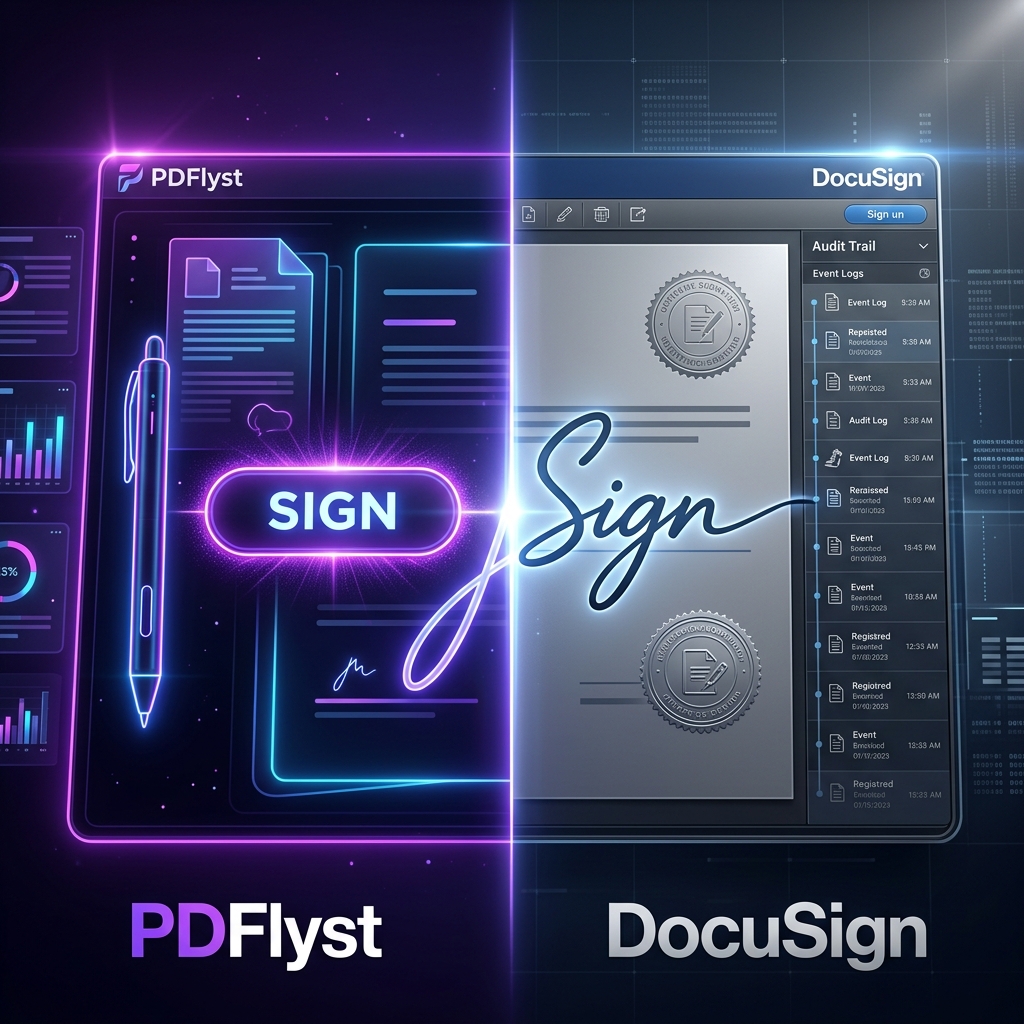
Why PDFlyst Beats Competitors
While many online PDF signing tools exist, PDFlyst offers unique advantages:
- No Account Required: Unlike competitors that force registration, PDFlyst respects your privacy
- Truly Free: No hidden costs, feature limitations, or premium upgrades
- Fast Processing: Our optimized servers ensure quick document processing even for large files
- Clean Interface: No confusing menus or unnecessary features - just straightforward signing
- Regular Updates: We continuously improve our tool based on user feedback and technological advances
Frequently Asked Questions
- Is it safe to sign PDFs online?
Yes, PDFlyst uses enterprise-grade SSL encryption and automatically deletes your files from our servers after processing to ensure your data remains private and secure. - Are online digital signatures legally binding?
In most jurisdictions (including under the ESIGN Act and eIDAS), electronic signatures are legally binding for most business and personal documents, including contracts, lease agreements, and NDAs. - Can I sign a PDF on my mobile phone?
Absolutely. PDFlyst is a completely web-based tool, meaning it works flawlessly on any device with a browser, including iPhones, iPads, and Android smartphones.
Get Started Today
Ready to experience the easiest way to sign PDFs online? Visit Us and sign your first document in minutes. No registration, no payment, no hassle - just professional PDF signing when you need it.
Join thousands of satisfied users who trust PDFlyst for their document signing needs. Whether you're a business professional, freelancer, student, or individual, our free online PDF signing tool provides the perfect balance of simplicity, security, and functionality.
Experience the future of document management with PDFlyst - where signing PDFs is not just free, but also fast, secure, and professional.