In the narrative of the modern office, the most significant plot twist of the last decade has been the rapid obsolescence of the pen. Not long ago, closing a deal meant coordinating schedules, traveling to a physical location, and ceremoniously pressing ink to paper. Today, that same process happens across time zones, continents, and devices in a matter of seconds. Central to this revolution is the marriage of two technologies: Digital Signatures and the Portable Document Format (PDF).
But as we move further into a paperless world, a question arises: Why did PDF win? Why aren't we signing Word documents, interactive JPEGs, or custom web forms? The answer lies in a unique combination of legal standing, technical security, and universal accessibility. In this deep dive, we will explore the overwhelming benefits of using PDF for digital signatures and why it remains the cornerstone of trust in the digital age.
Precision and "What You See Is What You Sign" (WYSIWYS)
One of the most fundamental reasons PDF is preferred for digital signatures is its structural integrity. Unlike word processing formats (like .doc or .docx), a PDF is designed to look exactly the same regardless of what device, operating system, or software is used to view it. This concept is technically referred to as What You See Is What You Sign (WYSIWYS).
Imagine signing a contract in a Word document. On your screen, the "Total Price" is at the bottom of page three. However, if the recipient opens that same file on a smartphone or a computer with different fonts installed, the text might reflow, moving the signature line or, worse, altering the visual context of the agreement. In legal disputes, this lack of visual consistency can be a nightmare.
PDFs are static. A font that looks like Helvetica in New York will look like Helvetica in Tokyo. A table on page two will stay on page two. This ensures that when a person applies their digital signature, there is zero ambiguity about exactly what they were looking at when they signed. This is critical for enforceability—you cannot claim "I didn't see that clause" if the layout is hardcoded into the file structure.
Legal Validity: Global Compliance Standards
For a digital signature to be useful, it must be legally binding. Governments across the world have established frameworks to ensure that digital markers carry the same weight as handwritten ones. The PDF format was built to integrate with these legal requirements seamlessly.
The legal landscape for digital signatures is governed by several key pieces of legislation globally:
- ESIGN Act (USA): Passed in 2000, the Electronic Signatures in Global and National Commerce Act ensures that electronic signatures have the same legal standing as traditional ones, provided all parties agree to use them.
- UETA (USA): The Uniform Electronic Transactions Act has been adopted by almost all US states, harmonizing how electronic records are treated.
- eIDAS (Europe): The European Union's Regulation on Electronic Identification and Trust Services (910/2014) is perhaps the most rigorous. It defines three levels of signatures: Simple, Advanced (AdES), and Qualified (QES). PDF's ability to embed digital certificates makes it one of the few formats capable of meeting the high-security QES requirements.
- IT Act (India): The Information Technology Act, 2000, recognizes digital signatures that use asymmetric cryptosystems and hash functions.
Because PDF is an ISO standard (ISO 32000), it has become the "language" of legal systems worldwide. When you submit a signed PDF to a court or a bank, they don't need proprietary software to verify its authenticity—it's built into the file itself. This "stand-alone" validity is a primary reason why governments and major financial institutions exclusively use PDF for official business.
Tamper-Evident Security and Cryptographic Integrity
The greatest fear in digital documentation is the "silent edit"—a scenario where a document is signed, and then someone subtly changes the interest rate, the deadline, or the scope of work without the signer's knowledge. PDF digital signatures solve this through advanced mathematics using Public Key Infrastructure (PKI).
When you sign a PDF digitally (using a certificate-based signature), a unique "hash" of the document is created. This hash is essentially a digital fingerprint of the document at that exact millisecond. This hash is then encrypted with your private key. If even a single pixel is changed after the signature is applied, the hash will no longer match the original encrypted value. Most PDF readers will immediately display a warning bar: "The document has been modified since the signature was applied."
This level of integrity is impossible with traditional paper. A paper document can be re-printed with different text and a forged signature with relative ease. A digitally signed PDF, however, is mathematically shielded against fraud. It’s not just about knowing who signed it; it's about proving what they signed hasn't been touched since.
It’s important to distinguish between the two. An electronic signature is essentially an image of your signature placed on a file (like a stamp). A digital signature is a cryptographic tool that binds your identity to the document and ensures it hasn't been changed. PDFs support both, but the digital signature is what provides the high-level security mentioned above.
Self-Contained Integrity: The Archive Advantage
One of the most powerful features of a signed PDF is its "self-contained" nature. Many other digital signature methods (like those used in custom internal business apps) require the user to connect to a specific database or server to verify that a signature is real.
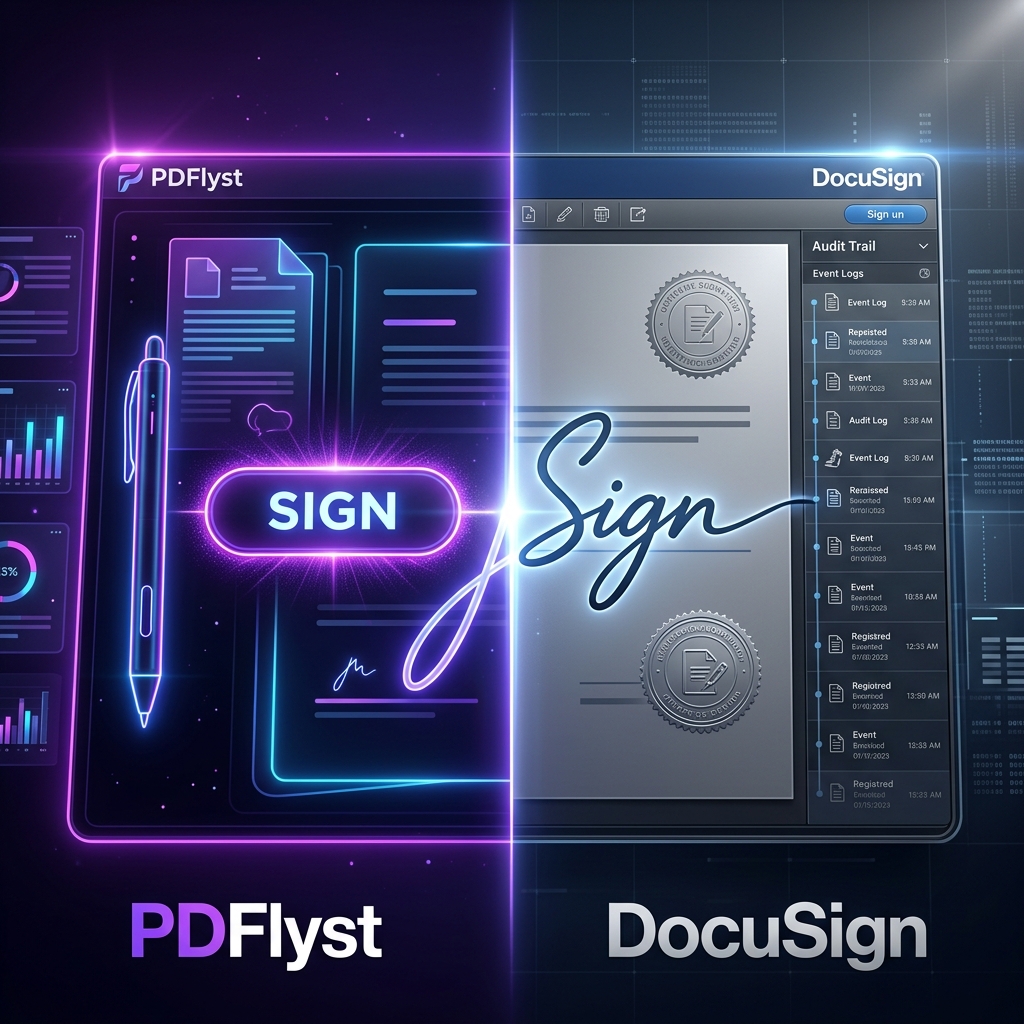
A signed PDF contains everything a reader needs within the file metadata. It includes the signer's certificate, the timestamp, and the document's state. This means that 10 years from now, even if the service you used to sign the document (like Docusign or PDFlyst) no longer exists, a standard PDF reader can still open the file and prove—through math—that the signature was valid at the time it was made. This is essential for long-term contracts like mortgages, life insurance policies, and wills.
Long-Term Preservation (PDF/A)
Business contracts, property deeds, and medical records aren't just for today; they need to be readable decades from now. Most software formats go through "generational shifts." Try opening a file created in an obscure word processor from 1995 today—you'll likely struggle with compatibility issues, missing fonts, or broken layouts.
The PDF format address this through PDF/A, an ISO-standardized version of PDF specialized for archiving. PDF/A ensures that documents signed today will be reproducible exactly as they are in fifty years. By embedding all fonts, metadata, and color profile information, the signed PDF becomes a permanent, self-sufficient digital artifact. It is the digital equivalent of acid-free paper.
The Power of the Audit Trail (Non-Repudiation)
In a traditional signing process, the "audit trail" is often just a filing cabinet and a witness's memory. In the world of PDF digital signatures, the audit trail is digital, encrypted, and incredibly detailed. Professional tools generate signing logs that capture:
- IP Addresses: The exact network location from which the signature was applied.
- Timestamps: The precise date and time, often synchronized with universal atomic clocks.
- Authentication Method: Whether the signer used email verification, SMS two-factor authentication, or a government-issued ID.
- Event Logs: A step-by-step history of who opened the document and when they signed it.
This provides "non-repudiation"—a legal term meaning that a person cannot reasonably deny having signed the document. If a client tries to claim they never saw the contract, the audit trail can prove they opened it at 10:05 AM and signed it at 10:15 AM from their home IP address. This level of evidence is invaluable in litigation.
Cost-Efficiency: Beyond Just Paper Savings
While the technical benefits are impressive, the business benefits are what drive adoption. The cost of a traditional signature includes hidden expenses that many businesses overlook:
- Consumables: Paper, ink, and printer maintenance.
- Logistics: Courier and shipping fees for international deals can reach hundreds of dollars per document.
- Storage: Physical filing cabinets take up expensive office square footage.
- Labor: The time spent by administrative staff printing, mailing, tracking down signers, and manually filing documents.
- Opportunity Cost: Deals that take 5 days to "mail back" are 5 days where revenue isn't being recognized.
By switching to PDF digital signatures, these costs drop toward zero. A company processing 500 contracts a month can save thousands of dollars annually. More importantly, the Sales Velocity increases—a contract that used to take a week to sign now takes five minutes.
Environmental Sustainability and ESG Goals
Modern businesses are increasingly judged on their Environmental, Social, and Governance (ESG) performance. Moving to a PDF-based signature workflow is one of the easiest ways to reduce a company's carbon footprint. It isn't just about saving trees; it's about eliminating the fossil fuels used in transporting those documents across the country via trucks and planes.
Research suggests that a single digital signature saves roughly 37 grams of carbon emissions and significant amounts of water used in paper manufacturing. For a large enterprise, this scales up to a massive positive environmental impact that can be touted in annual sustainability reports.
Superior User Experience (UX) and Professionalism
Consumer expectations have shifted. If a modern customer wants to buy insurance or join a gym, they don't want to receive a document they have to print, sign, scan, and email back. That's a "friction point" that can cause a lead to drop off and choose a competitor instead.
Offering a clean, professional PDF that can be signed with a tap on a smartphone screen signals that your company is modern, efficient, and respects the customer's time. It removes the "homework" from business transactions. In today’s economy, convenience is a competitive advantage.
To get the most out of these benefits, use a trusted tool like the PDFlyst Sign Tool. It allows you to draw your signature, upload an image, or use a secure digital certificate to ensure your documents are legally sound and professionally presented.
Cross-Platform Accessibility and Universal Adoption
One of the quietest but most important benefits of PDF is that it is truly "device-agnostic." Whether your client is on a Chromebook, an iPad, a Windows Desktop, or a Linux laptop, the PDF experience is identical. You don't have to ask your clients, "Do you have the latest version of Word?" or "Can you open .pages files?"
This universality ensures that the signing process is never held up by technical barriers. This is especially critical in industries like Real Estate or Mortgage lending, where signers might not be tech-savvy and need the most straightforward path to completion. The "barrier to entry" for signing a PDF is lower than any other format.
Future-Proofing: AI, Blockchain, and the Next Wave
The benefits of PDF signatures are expanding into the realm of automation. Because PDF is a structured format, AI tools can now "read" signed contracts to extract data automatically. For example, once a PDF is signed, an AI can automatically extract the "End Date" and add it to your company's CRM or calendar.
Furthermore, we are seeing the emergence of Blockchain-anchored PDF signatures. This involves taking the hash of a signed PDF and recording it on a public ledger (like Bitcoin or Ethereum). This provides an immutable proof of existence that is independent of any single company or government. While standard PKI signatures are already highly secure, blockchain adds another layer of "un-hackable" verification.
Industry-Specific Benefits
Real Estate
In property transactions, speed is everything. Digital signatures on PDFs allow buyers to sign offers in minutes, preventing them from losing out to other bidders. It also simplifies the "closing disclosure" process, where hundreds of pages need to be acknowledged.
Legal Services
Lawyers use PDF signatures for court filings and client retainers. The tamper-evident nature of the PDF ensures that privileged communication remains unchanged, and the audit trail provides a defensive shield in malpractice or contract dispute cases.
Human Resources
Onboarding new employees used to involve a "packet" of 20+ forms. With PDF signatures, a new hire can sign all their tax forms, NDAs, and insurance enrollments in a single sitting before their first day, allowing them to focus on training and culture on day one.
Frequently Asked Questions (FAQs)
- Are PDF digital signatures as secure as holographic (handwritten)
ones?
They are actually more secure. Handwritten signatures can be easily forged or traced. Digital signatures use cryptographic math to prove the identity of the signer and ensure the document hasn't been changed. A forged digital signature is an impossibility without the signer's private key. - Can a PDF be edited after it is signed?
Yes, but doing so will "break" the signature. All major PDF readers will display a warning that the file has been altered, effectively voiding the document's integrity. - Are online signatures legal in my country?
In over 180 countries, electronic and digital signatures are recognized as legally binding. While specific regulations like eIDAS in Europe or the IT Act in India exist, the core principle—that digital markers hold weight—is globally accepted. - What happens if the PDF format becomes obsolete?
Given that it is an open ISO standard and used by every major government in the world, the likelihood of PDF becoming obsolete in the next 50-100 years is virtually zero. It has outlived dozens of proprietary formats already.
Conclusion: The Definitive Choice for Trust
Choosing to use PDF for your digital signatures isn't just a matter of following a trend; it's a strategic decision to prioritize security, legality, and efficiency. From the precision of the WYSIWYS display to the mathematical certainty of tamper-evident hashing, the PDF format offers a level of trust that no other digital format can match.
As our world becomes increasingly distributed and digital-first, the "ink" of the future is cryptographic. By leveraging the power of PDF, you ensure that your business remains mobile, cost-effective, and—most importantly—trusted. Whether you are signing a simple NDA or a multi-million dollar merger agreement, the signed PDF is your most reliable ally.
Ready to experience the benefits for yourself? Start signing your documents with the PDFlyst PDF Suite today and join the ranks of high-efficiency, paperless professionals.